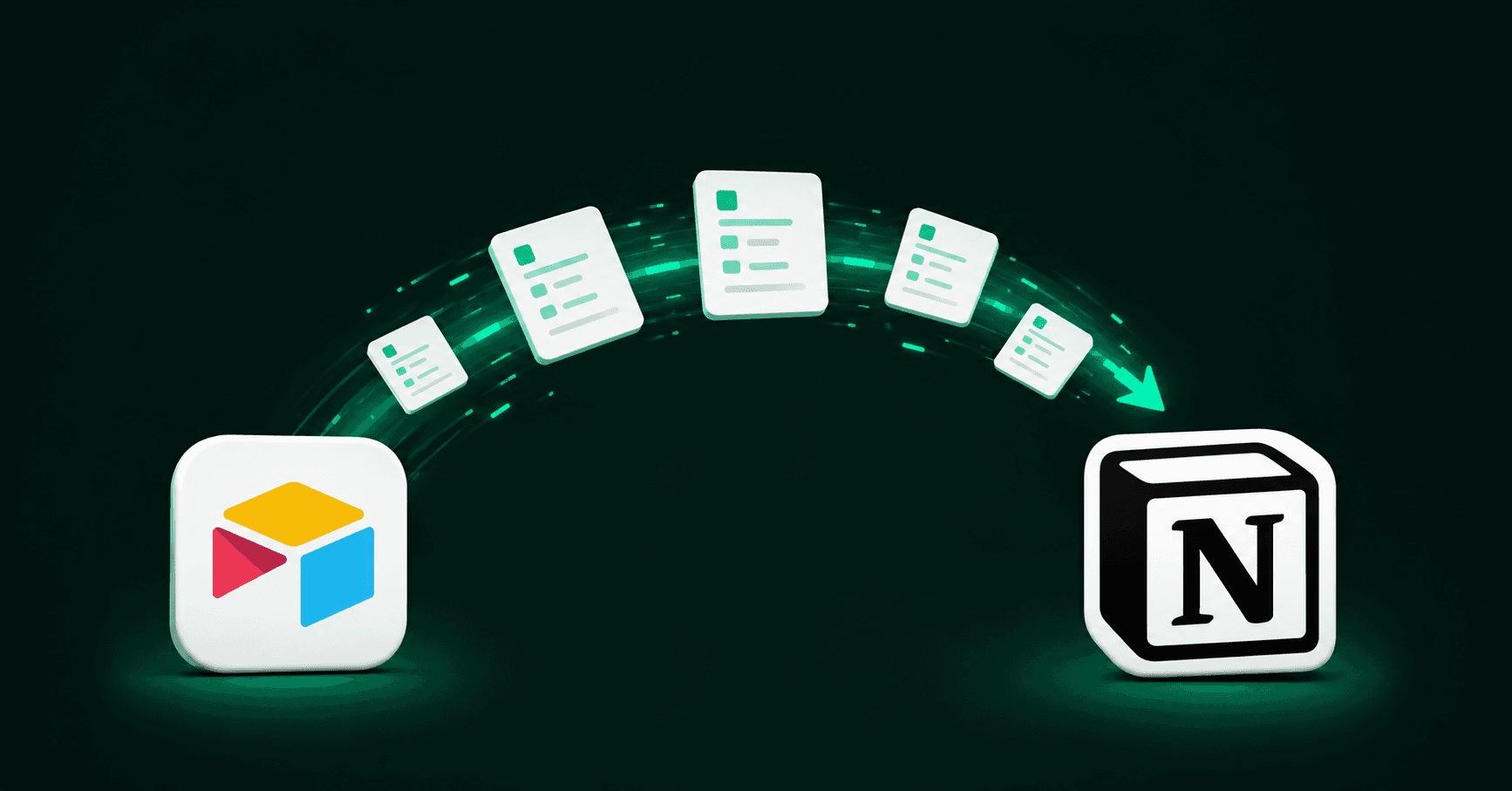
Airtable was just acquired, and if you run your team on it, you've probably had the thought: should we move to Notion? Maybe, maybe not. A change in ownership is a fine reason to look. But there's no need to panic-switch overnight. So before you export a single table, here's how we'd think it through: what the acquisition actually changes, whether a move makes sense for your team, and what really happens when you migrate from Airtable to Notion. We run Notion migrations and workspace builds constantly, and the same thinking applies here, and the honest version is a lot more useful than the sales pitch. (If you want the broader, tool-agnostic version, we wrote what to know before moving to Notion from any tool.)
Why now is a fair moment to reassess
Airtable was recently acquired by Bending Spoons. We'll keep this factual and skip the doomsaying about the new owner. But when a tool your team relies on changes hands, things can shift over time. Pricing, the product roadmap, support, the free plan. None of that is guaranteed to get worse. It's just uncertainty where there wasn't any before.
And uncertainty is a perfectly good reason to check whether your setup still fits. The best time to do that is before your next renewal, while you still have leverage and aren't deciding against a deadline. You don't have to be planning your exit for this to matter. Taking a look now beats scrambling once the bill lands.
First: should you even switch?
Here's the part most "how to switch" articles skip. Getting your data out of Airtable is not a problem. The real question is whether Notion is the right home for how your team works.
It helps to know what each tool is built for. Airtable is, at heart, a database. It stores and connects structured records, and it's good at that. Notion is a workspace, where your documents, projects, tasks, meeting agendas, and databases can all live in one place. So the Airtable vs Notion question is about which shape fits how your team works.
Where Notion tends to win: it usually costs less per seat (at comparable business tiers, Notion often runs around half of Airtable), and it consolidates your documents, projects and tasks into one place instead of scattering them across separate tools, which is exactly the sprawl most teams are trying to escape. Your team's real knowledge ends up in one searchable place your AI can lean on.
Where Airtable still wins: if you're running very large, deeply connected datasets (tens of thousands of linked records, or a data model that behaves like a real database), Airtable's engine still handles that better, and forcing it into Notion can cause more friction than it removes. Being straight about this is the point. We'd rather tell you to keep something in Airtable than sell you a move you'll regret.
In one engagement, a client asked us to move their influencer-campaign tracking off Airtable and into Notion. But their team was change-averse, and the Airtable setup they had was already well-optimized and doing its job. So instead of rubber-stamping a full migration, we provided options: move it, keep it synced to Notion just for visibility, or leave it in Airtable and only bring the new work into Notion. Sometimes the highest-value answer is "don't move that part yet."
Airtable to Notion migration: what actually moves, and what breaks
If you do decide to pull the trigger, the single most useful thing to understand is this: it's not a one-click export. People picture downloading a spreadsheet, uploading it to Notion, done. In practice, that's how you end up with duplicate records, broken links between your data, missing details, and a workspace nobody trusts, with your old Airtable still open right next to it. A copy-paste job isn't a migration.
Here's the honest breakdown of how the pieces travel, based on how we scope migrations like this.
Comes over cleanly: your tables and records (Airtable calls a set of tables a "base"), most of your fields, your text and documents, and your attachments. The raw material moves fine.
Comes over, but changes: the connections between your data (Airtable calls them linked records; Notion calls them relations), your roll-ups and summaries, and your formulas. These don't carry over on their own. They have to be rebuilt in Notion.
Doesn't come over, has to be rebuilt from scratch: this is where teams get caught off guard. Airtable's Interfaces (the custom dashboards and mini-apps you build on top of a base), its forms, automations, and any custom scripts. They have to be recreated with Notion's own tools: Notion Forms, buttons, and Notion's built-in automations and AI.
If we had to name the part that blindsides people the most, it's the automations. Moving the tables and records is the easy part. It's the web of automations quietly running your operations that has to be rebuilt by hand. Two things worth knowing going in: a migration almost always hides more than it looks like (what seems like "a few simple docs" turns out to be tens of thousands of records with workflows interconnected around them), and there's no magic one-click tool that moves it all cleanly, however good the demo looks.
The lesson underneath all of this is: your tables are never the valuable part. The workflows built around them are. That's also why you shouldn't copy your Airtable one-to-one into Notion. Migrating to a new tool won't fix workflow problems on its own, it just gives you a fresh place to rebuild the same mess. The teams that see the biggest payoff from a migration to Notion are deliberate about what comes with them: they bring only what they actually use, and leave years of dead records behind.
How a move actually works
When we run a migration like this, we work in phases, and none of them start by touching your real data.
Assess: we look at what you've actually have (the bases, the fields, the connections, the Interfaces and automations) and decide what's worth moving, what to archive, and what to quietly retire.
Test: we run a trial migration on a small, representative slice of your data in a separate test space, so you can see exactly how it comes across before committing to anything.
Migrate: we move your content across in a deliberate order, checking each part as it lands, instead of dumping everything in at once and hoping for the best.
Validate: we check the migrated data, document what came over fully and what needed rework, and make sure people can find what they need afterward.
The move you can trust is the boring, careful one. We prove it on a representative sample of your data first, so you can see it's right, then bring the rest across in one deliberate pass. It's also less work on your side than most people expect: we handle the heavy lifting of moving your data, and you mostly make the calls on what to keep.
One thing to be clear on, though: a migration brings your content and records into Notion. The workflows on top (automations, forms, dashboards) don't come across, and rebuilding them is its own project. This kind of work is the bulk of what we do, and we've built and shaped Notion workspaces for teams like Patreon, Discord, and Chime.
Don't panic. Decide.
So, should you make the move? The acquisition is a good reason to ask the question. It's not a verdict. Look before your renewal, be honest about whether Notion really fits the way your team works, and if it does, move deliberately: test on a sample first, bring over what matters and leave the junk behind, and treat rebuilding your workflows as its own step rather than dragging the old ones across.
Thinking about moving before your Airtable renewal? We'll map what comes over cleanly and what needs rebuilding, before anything moves. Tell us about your setup today.