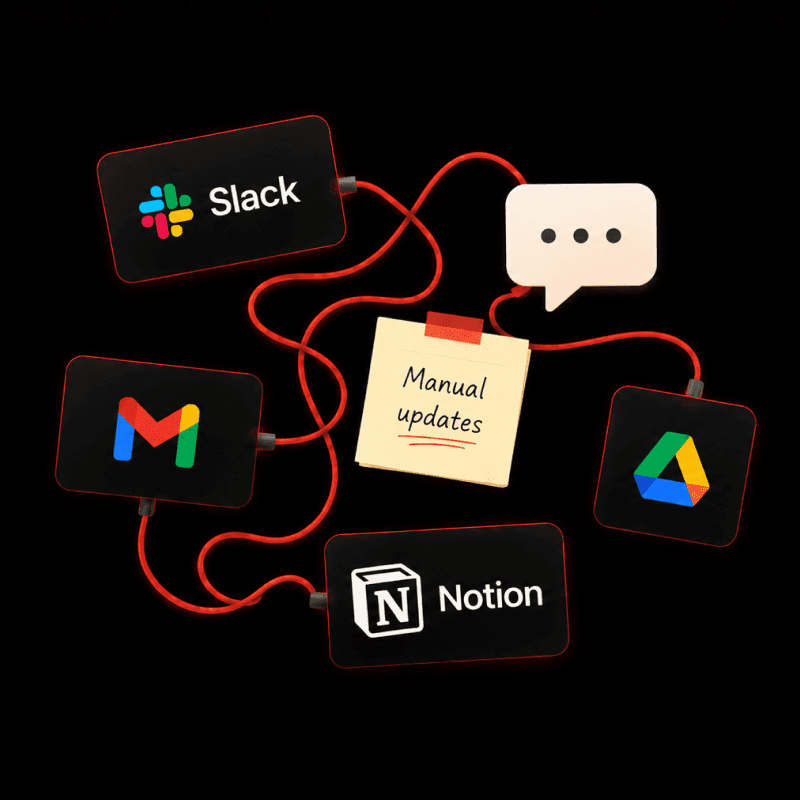
Moving a company's entire wiki out of Confluence can feel like a genuinely risky thing to do. There are years of documentation in there, all of it cross-referenced, and a whole team who expects it to still be there on Monday. Being a little nervous about that is completely reasonable.
Here is the one mistake that turns a manageable migration into a stressful one. Doing it all at once.
Move the entire wiki in a single overnight run and you will meet every problem simultaneously, live, with the whole company watching. The systematic approach is to start with one representative slice. Move it, and hold it up against the original. Do the links work? Is anything important missing? Does it read the way it should? Once that first sample comes through clean, you widen out, taking on a little more each pass and carrying what you learned into the next. And it is the person who owns the content who confirms it is right, not you, because they are the one who will instantly notice that the wiki their team actually depends on didn't come across properly.
While you are in there, there is an opportunity worth taking. A Confluence wiki tends to be flat, just pages nested inside pages with nothing to sort them by. As the content lands in Notion, placing it into proper databases, labeled and filterable, turns it into something a person or Notion's AI can actually get answers out of. Same material you already had, finally organized so it gives things back instead of hiding them. That is tidying, rather than redesigning how your team works, which is a much larger conversation for another day.
Planning your Confluence to Notion migration
The moment you actually switch over from Confluence to Notion has a reputation for being tense, and it really doesn't need to be.
It comes down to agreeing on a firm cutoff date well in advance, so nobody is caught off guard. On that date the old tool flips to read-only, anything edited in the final stretch gets caught up so no last-minute change is lost, everyone's access to the new content is sorted, and the people who own the content do a quick pass to confirm it is all there. Handled in that order, the switch itself tends to go by almost without anyone noticing, which is precisely how you want it.
When is your Confluence to Notion migration complete?
A Confluence to Notion migration is finished when the content is all in Notion, every link goes where it should, nothing dead-ends, and people find what they need without having to ask where it went. Your old wiki sits quietly in read-only as a backup, and Notion becomes your single source of truth for where your information lives, instead of scattered across several different tools. The content arrives whole, and it works from day one.
Confluence to Notion migration checklist
To recap, the Optemization way to migrating from Confluence to Notion looks like this:
Prepare: Get access, agree a firm cutoff date, and decide which data is worth migrating.
Migrate one sample: A single representative slice first, not the whole wiki at once.
Verify against the original: Check the links resolve, and have a content owner sign off.
Widen out: Work through the rest by rising complexity, re-pointing links as you go.
Make the switch: On the cutoff date, flip the old tool to read-only, catch up last edits, sort access, and do a quick review.
Confirm it is done: Everything in, every link resolving, nothing dead-ending.
It’s worth noting that we are only discussing the actual data migration itself in this blog post. There is a whole other conversation regarding change management, tool adoption and training. We support teams with that as well when they migrate to Notion. The tl;dr with any migration is that it all comes down to the details. The links that have to keep working, the edge cases that won't sort themselves out, the one page nobody can afford to lose. A migration like this goes smoothly in the hands of someone who has done it many times, and less smoothly when it isn't.
Ready to move your data to Notion?
We'll assess your migration scope, tell you what's feasible, and give you a clear timeline before anything is signed. No commitment. Just clarity on what it takes to move your data safely to Notion.